Ghostcut
A downloadable video editor for Windows
Ghostcut is a video editor for Windows that gives you control over your footage, captions and audio. Create short clips, social videos or longer edits with a multitrack timeline and local processing.
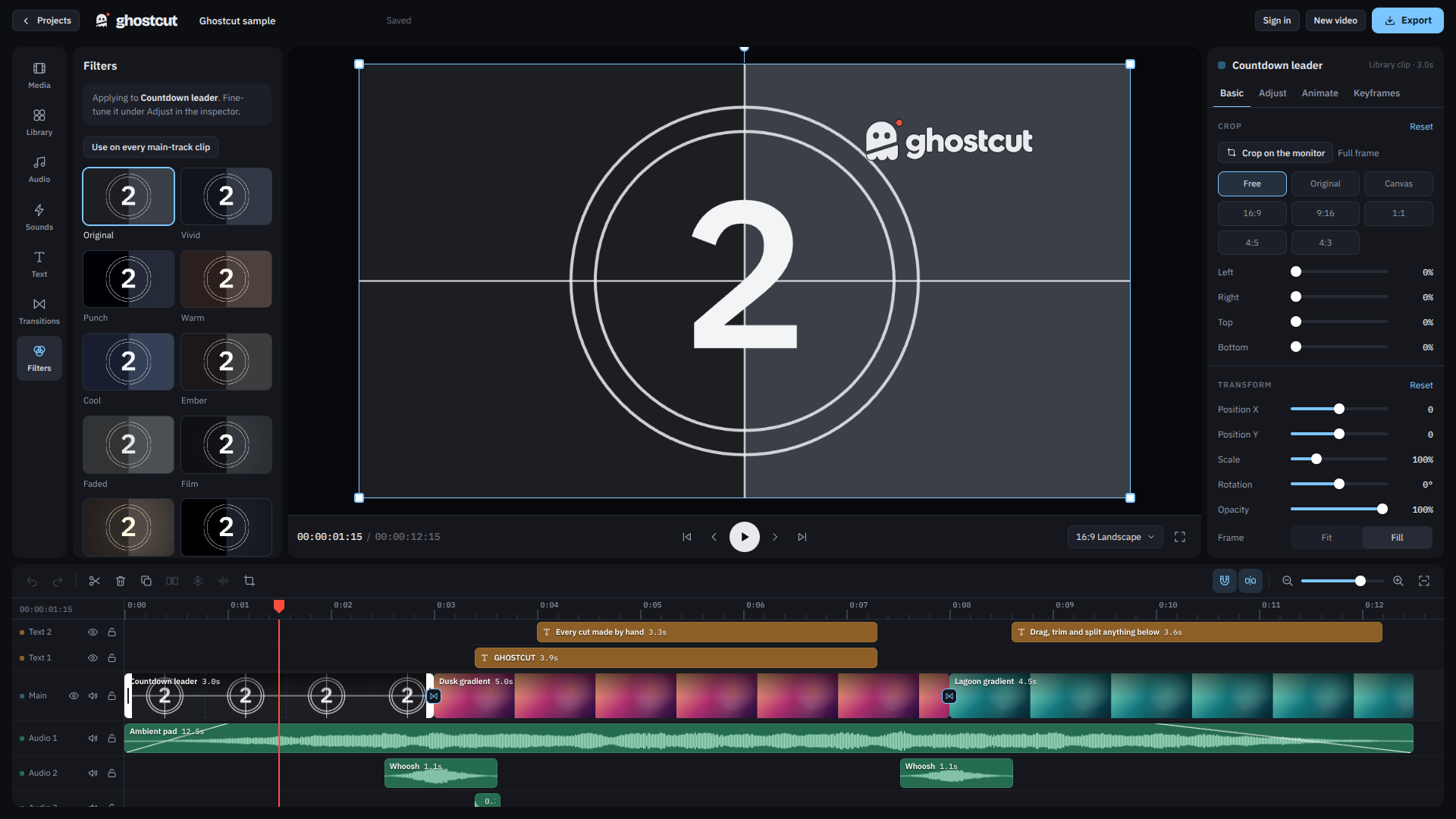
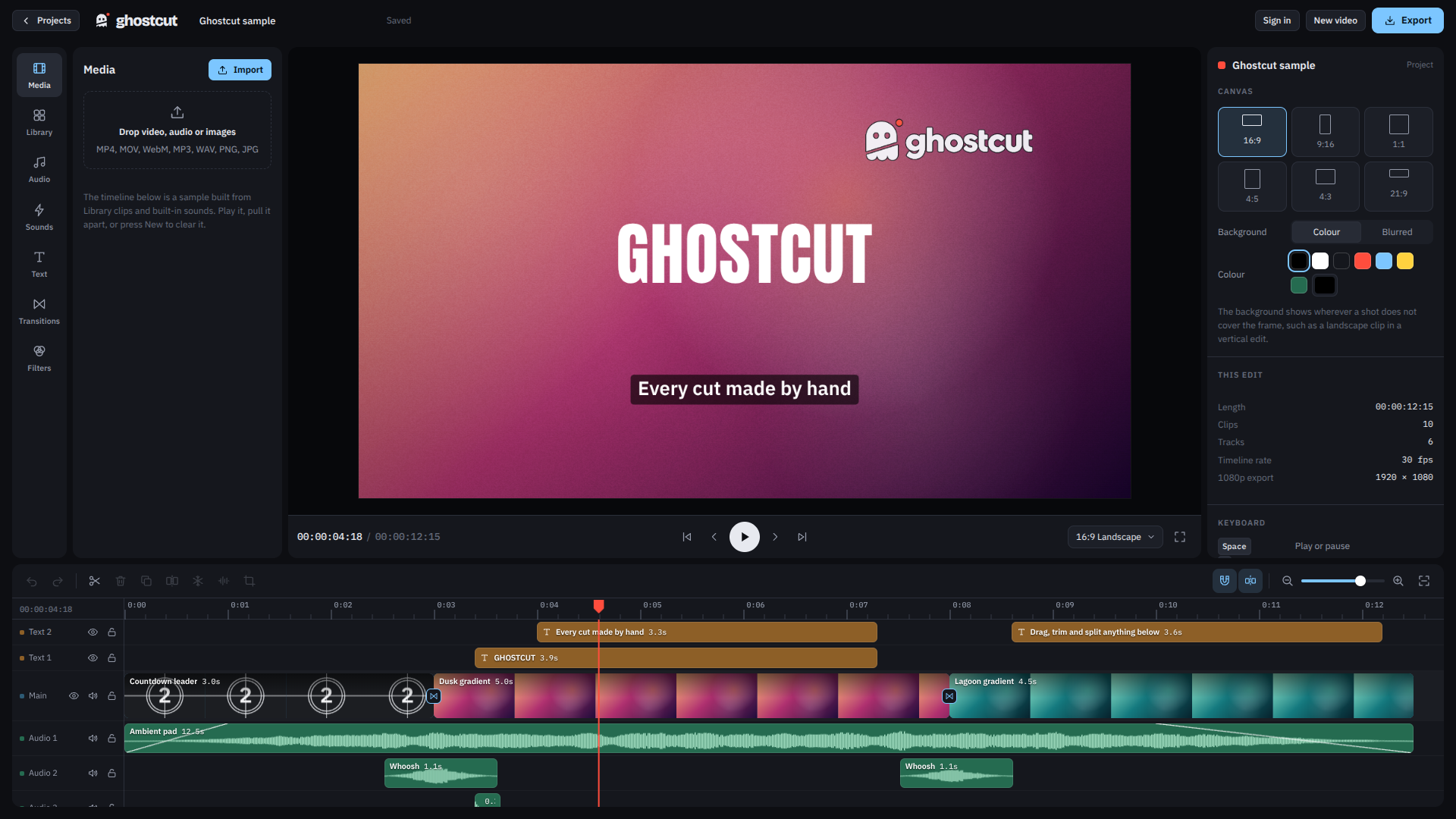
- Move, trim and split clips on the timeline.
- Automatically split a selected video at scene changes.
- Generate captions locally using downloadable Whisper models.
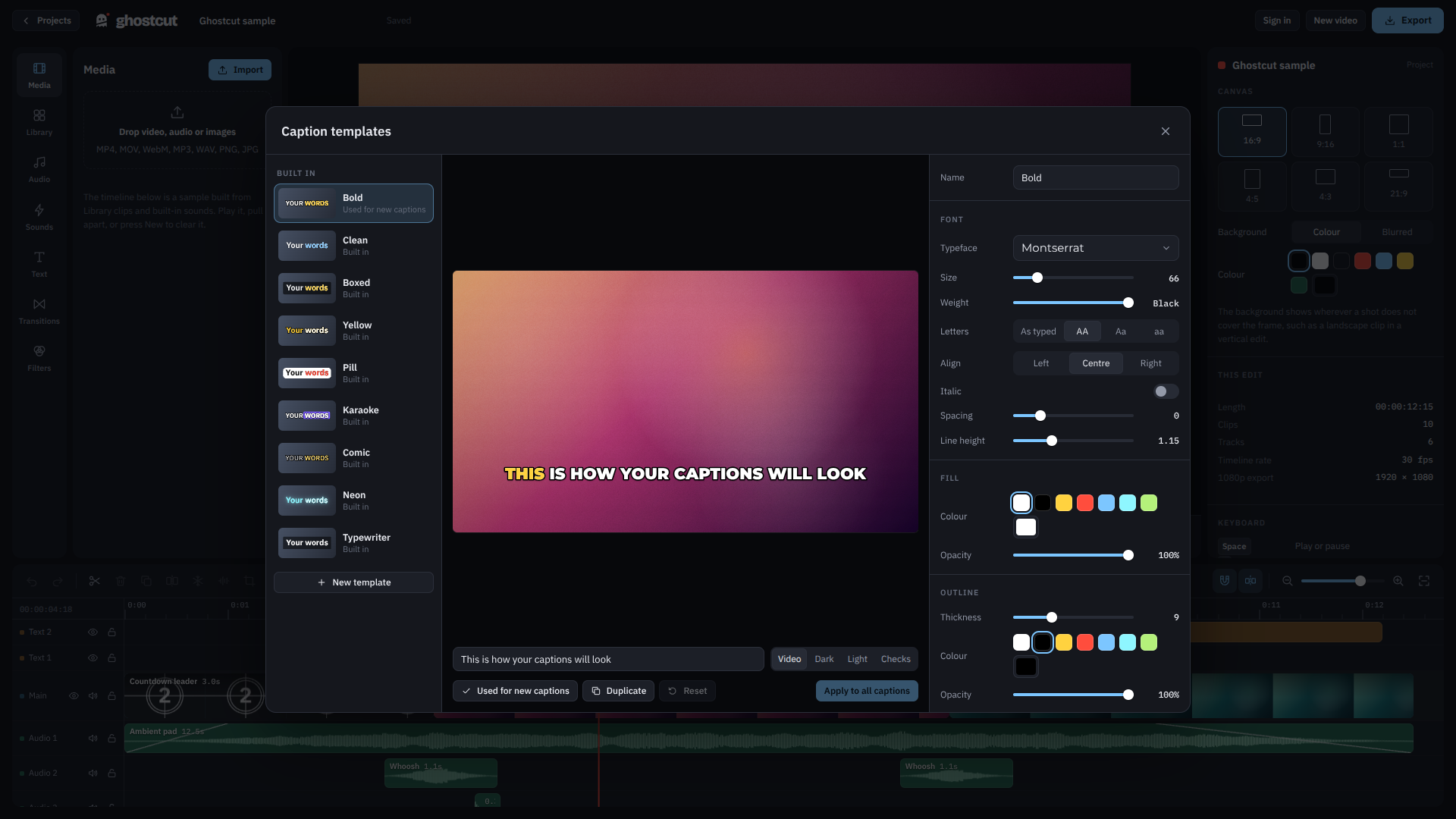
- Import SRT subtitles and customize caption styles.
- Add text overlays, transitions, filters, music and sound effects.
- Crop and reframe videos for landscape, portrait or square formats.
- Bulk edit and export multiple videos.
The free version includes core editing tools and smaller caption models. Free exports include the Ghostcut watermark.
Optional Ghostcut Pro unlocks watermark-free exports, advanced caption models, keyframe animation and the Claude connector for assistant-controlled editing.
Editing and caption transcription run locally on your PC. Internet access is required for initial processing-tool and model downloads, account features and optional online services.
Support: support@wrapclips.com
Website: https://www.wrapclips.com/ghostcut
Download
Install instructions
- Download the Ghostcut Windows ZIP file.
- Right-click the downloaded ZIP and choose Extract All.
- Extract it into a folder where you want to keep Ghostcut.
- Open the extracted folder and double-click Ghostcut.exe.
- Create a project and import your videos to start editing.
No separate installer is required. Ghostcut requires a 64-bit Windows PC.
Some features download processing tools or caption models on first use. An internet connection and sufficient disk space are required for these downloads.
Leave a comment
Log in with itch.io to leave a comment.